| Setting up Microsoft Outlook Express for Email. There are several ways that one can configure the Microsoft Outlook Express program for email. One method uses a wizard and the other is accessed by selecting "Tools" and "Accounts" from the main Mail menu on the Microsoft Outlook Express Program. Even though there are two methods of configuring the program, the same basic questions are asked. You will need to fill in the following information.
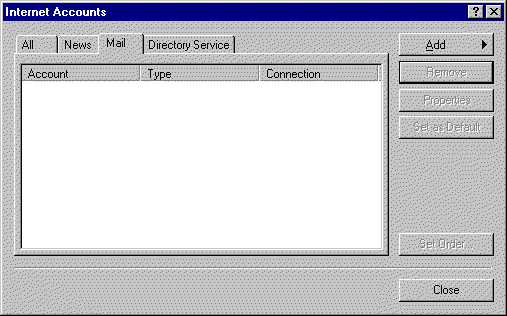
Click the "Add" button and select "Mail..". You will be presented with the following screen.
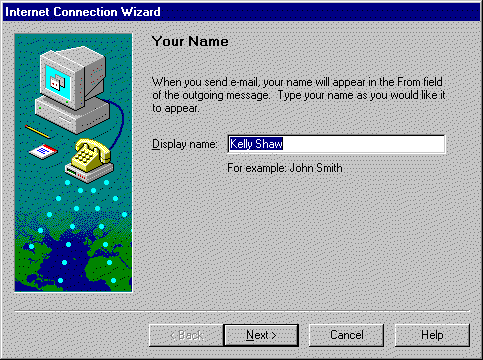
Fill in your name and click "Next". following screen should appear.
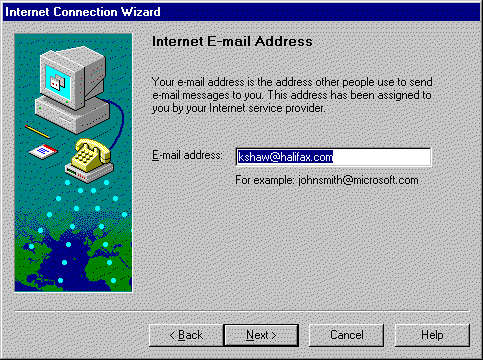
Type in your email address and click the "Next" button.
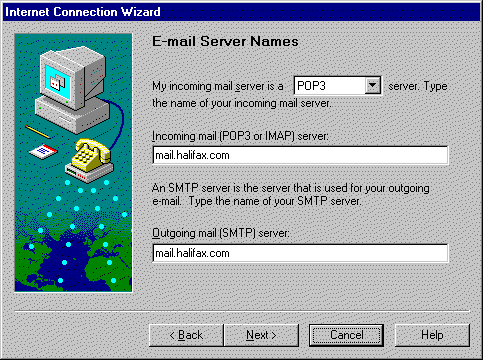
Fill in the screen exactly as shown and click the "Next" button.
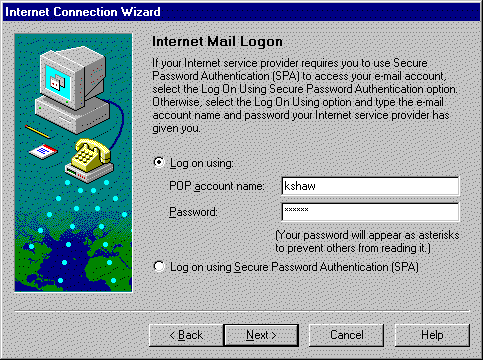
Type in your Account Name and Password, then click the "Next" button.
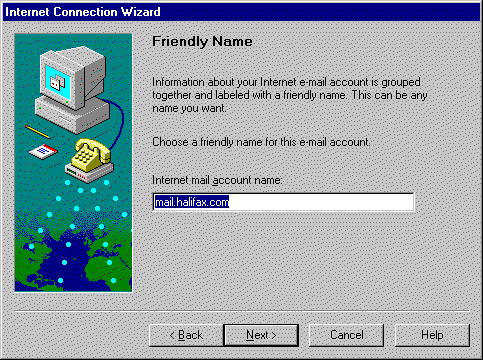
Click "Next".
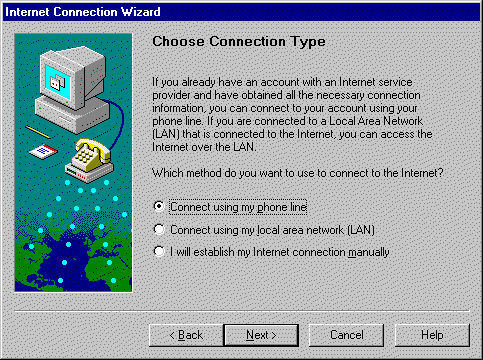
Select "Connect using my phone line" and click the "Next" button.
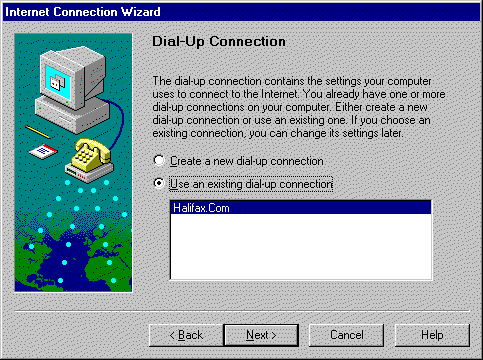
Select "Use an existing dial-up connection" and click the "Next" button.
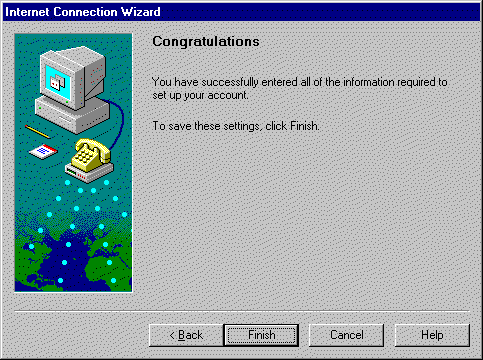
Click the "Finish" button. This site was last updated on April 11, 1998 by |
 .
.